
How to Photograph Your Drawing (Phone Tips for Clear Photos)
Take clear phone photos of pencil drawings: shoot from straight above, use daylight, avoid shadows and glare, and fill the frame. Simple steps that work.
By Ayoub Farid · · 2 min read
A pencil drawing can look great on paper and terrible in a photo: grey, tilted, with a big shadow of your phone across it. Whether you're sharing online or getting feedback from a coach, a clean photo matters.
Here's how to get one with any phone in under a minute.
1. Shoot from straight above
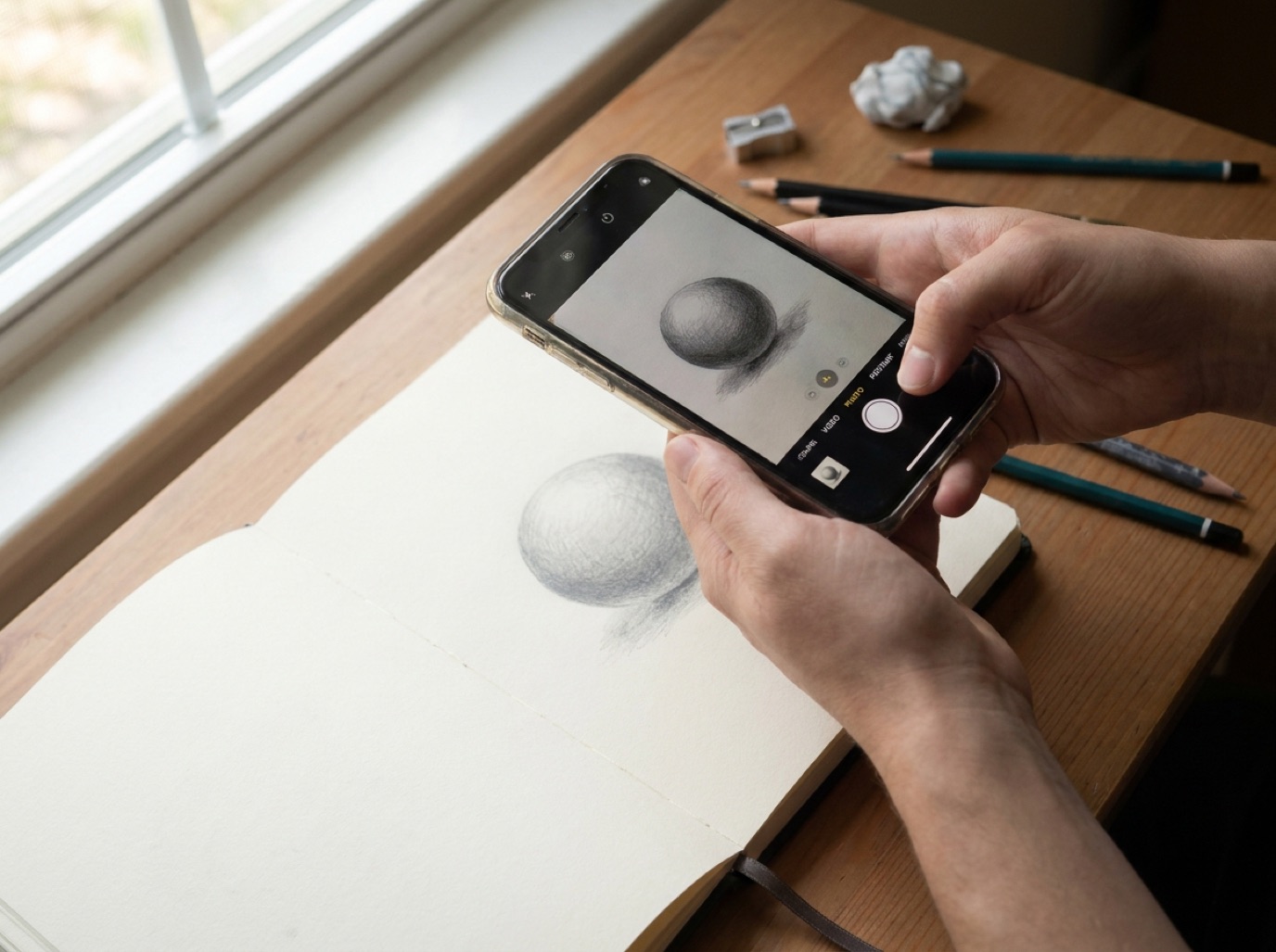
Hold the phone parallel to the paper, directly over the middle of the drawing. Tilting the phone stretches the drawing: circles become ovals and boxes become trapezoids. A coach checking proportions will "see" a mistake that isn't on your paper.
Tip: many phone cameras show a level or crosshair when you point straight down. Turn on the grid in camera settings to help.
2. Use soft daylight
- Stand near a window, but out of direct sun.
- Avoid warm lamps: they turn white paper yellow and make values look darker.
- Turn off the flash. It creates a bright hotspot and glare on graphite.
3. Avoid your own shadow
If your body or phone casts a shadow on the paper, turn so the window is to your side, not behind you. Or lift the paper onto a book so you can stand over it at an angle to the light.
4. Fill the frame
Get close enough that the drawing fills most of the photo, with a small margin of paper around it. Too far away and fine pencil marks disappear.
5. Keep it sharp
- Tap the drawing on screen to focus.
- Hold still, or brace your elbows on the table.
- Check the photo before moving on. If you can't read the edges, retake.
Glare on dark graphite
Soft pencils (4B and up) are shiny. If dark areas look silvery in the photo, change the angle of the light: move the paper so the window light hits it from the side rather than from behind the phone.
For Graphite's coach
Graphite reminds you to "Draw on paper, then photograph it from straight above". If a photo is blank, too blurry, or not a drawing, the coach tells you and it doesn't count against your daily critiques, so just retake it.
Frequently asked questions
Should I edit the photo to make it brighter?
For sharing, a little brightness and contrast is fine. For feedback, don't: editing changes your values and the coach will judge the edited tones.
Is a scanner better than a phone?
Scanners give even light and no distortion, great for finished work. For daily practice a phone is faster and good enough.
Why does my white paper look grey?
The camera is underexposing. Tap the paper and slide exposure up slightly, or use brighter daylight.
Next: how to get feedback on your drawings and how to stop pencil smudging.